
|
 Mathematically Beautiful Screen Savers
|
 |
 |
 |
 |
 |
 |
 |
 |
 |
 |
 |
 |
Overview:
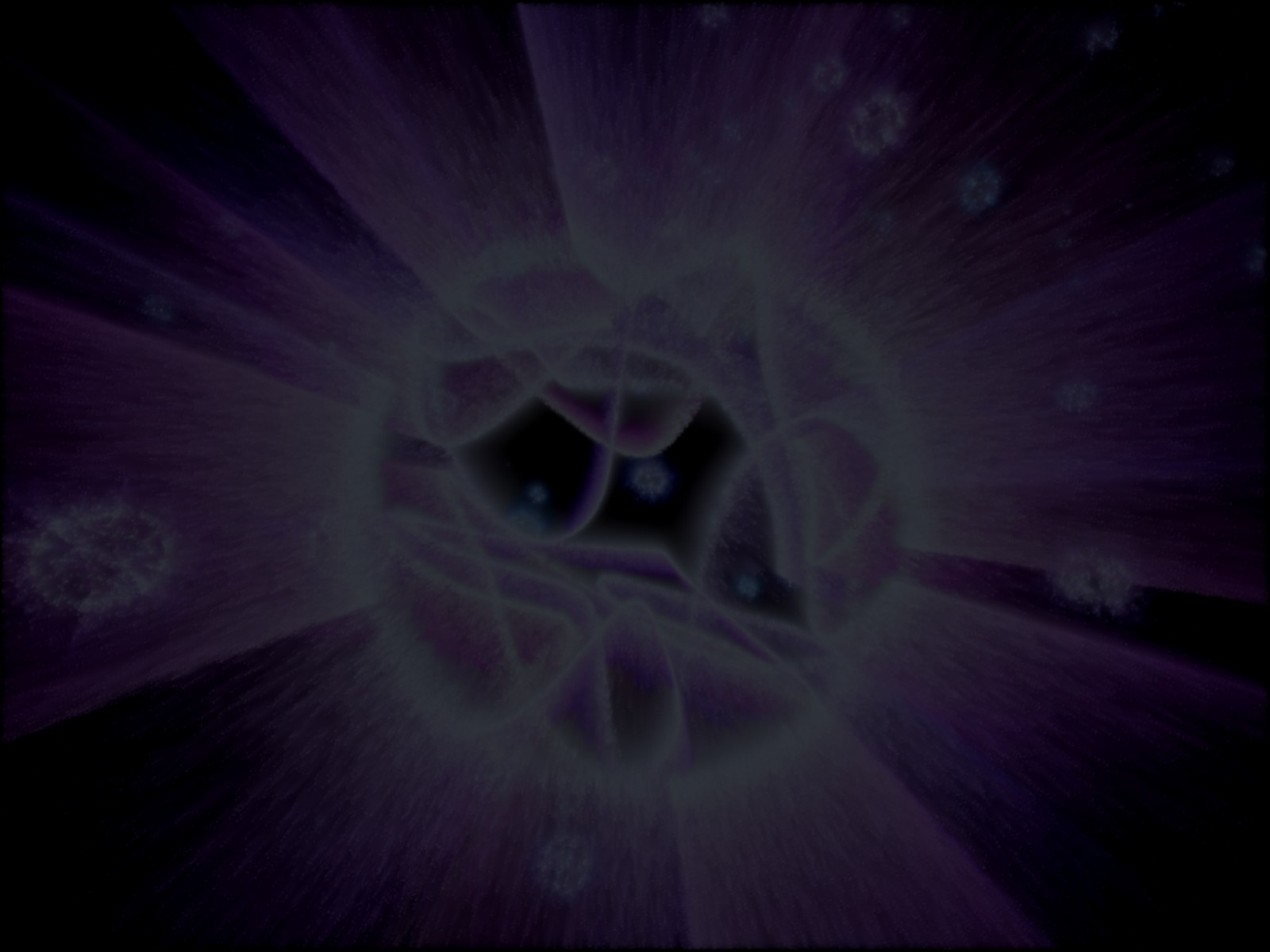
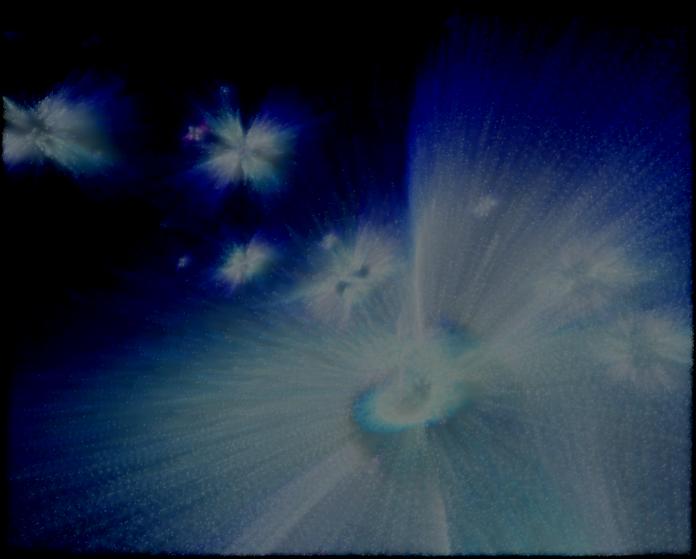
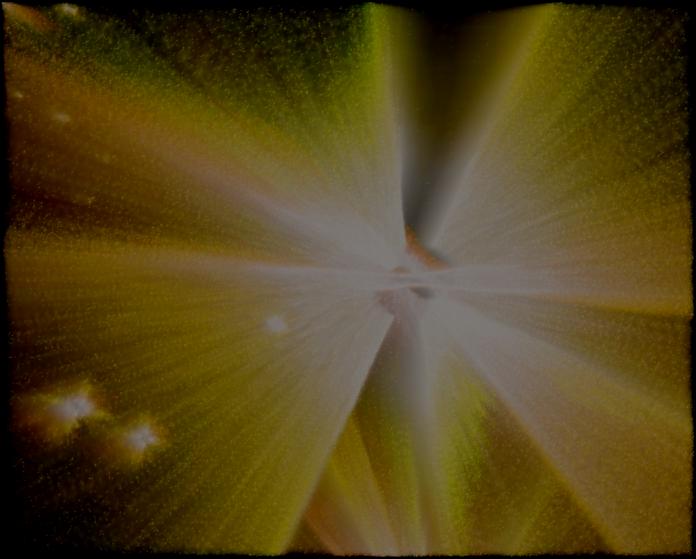
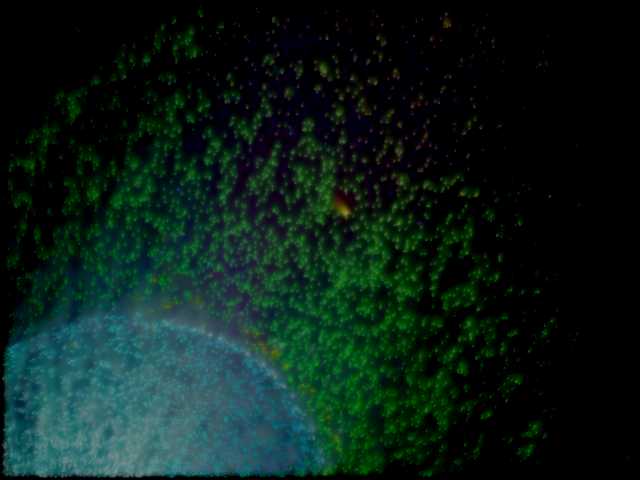
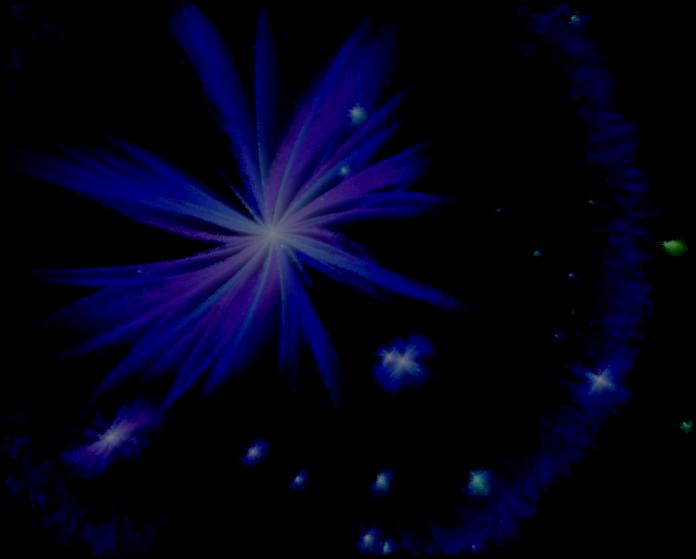
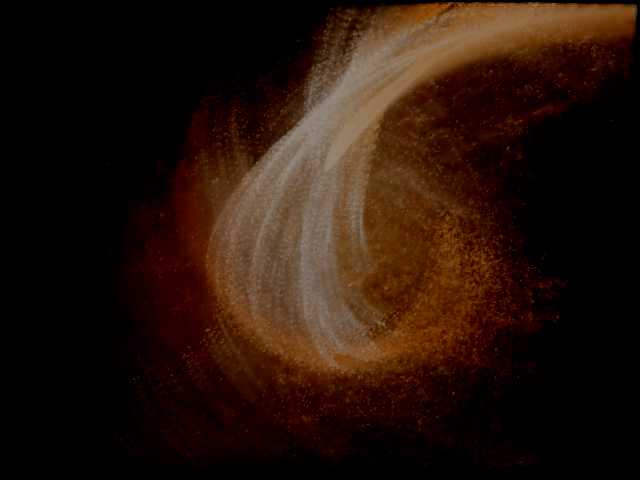
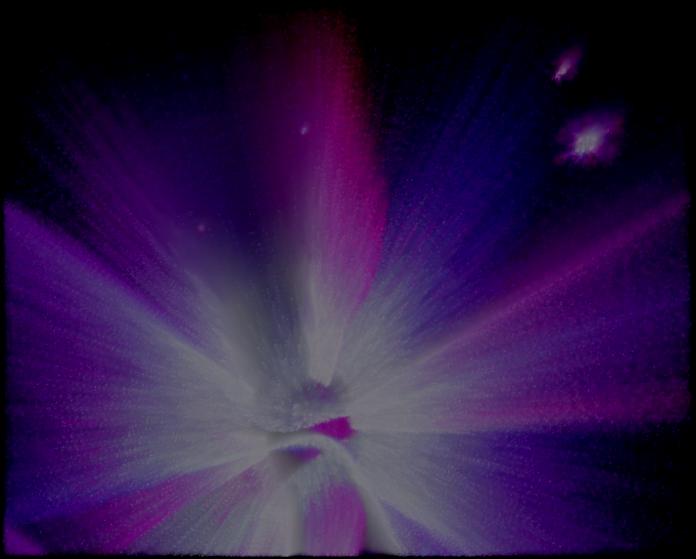
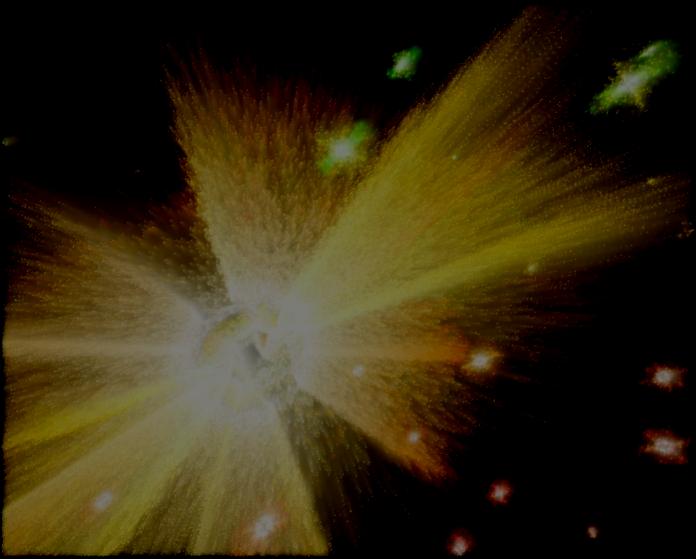
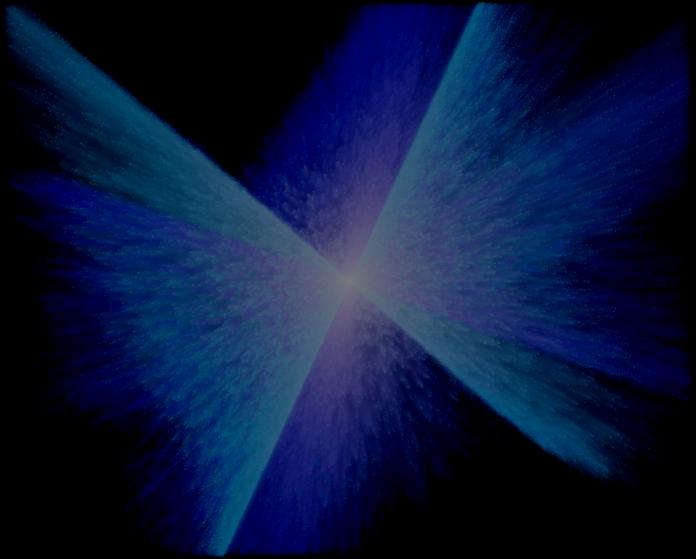
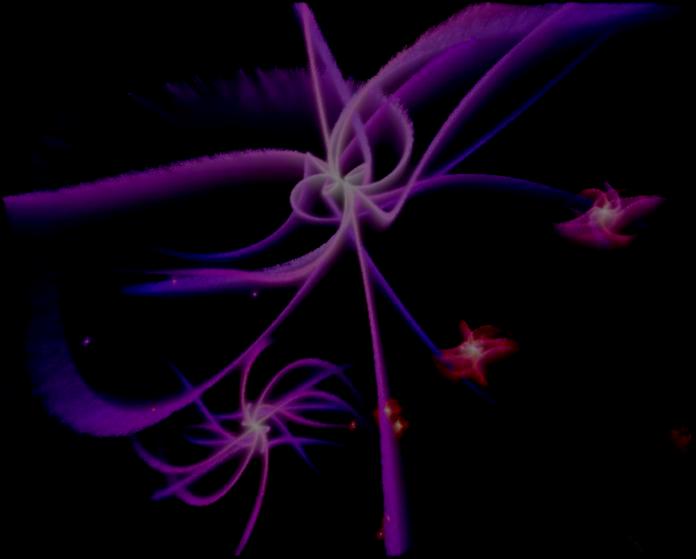
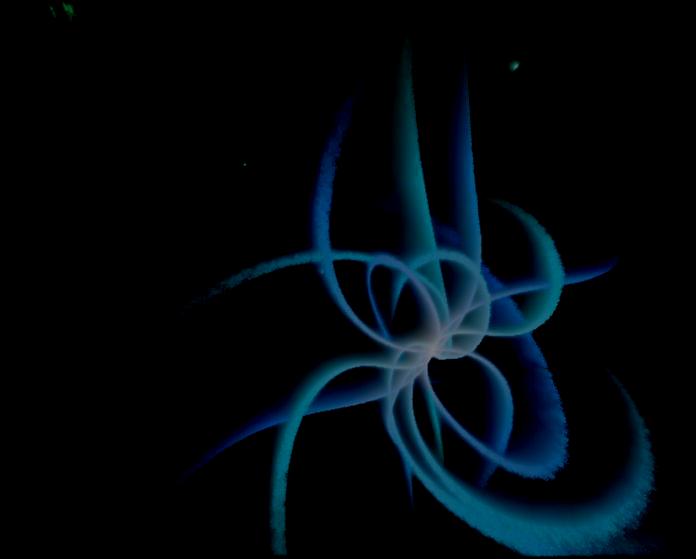
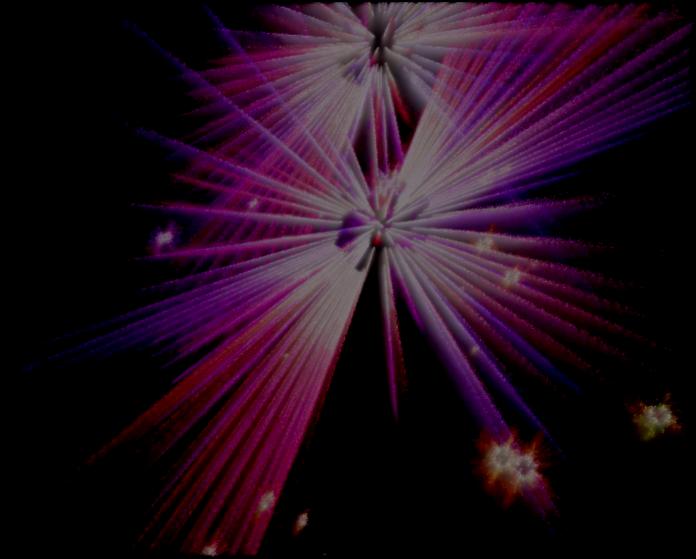
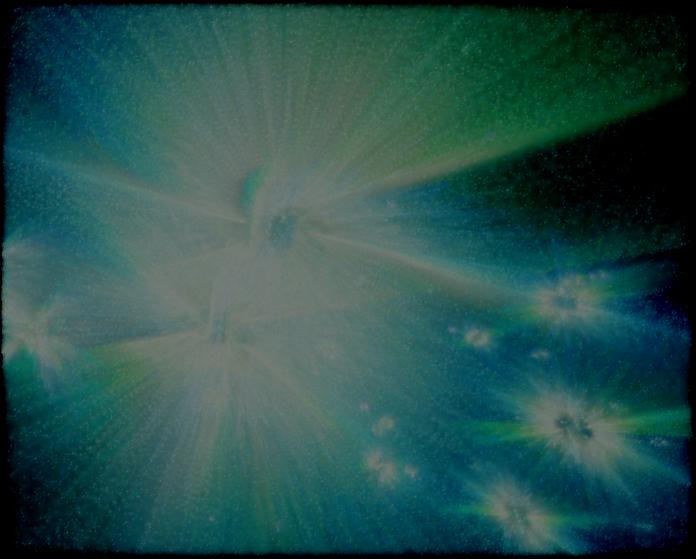
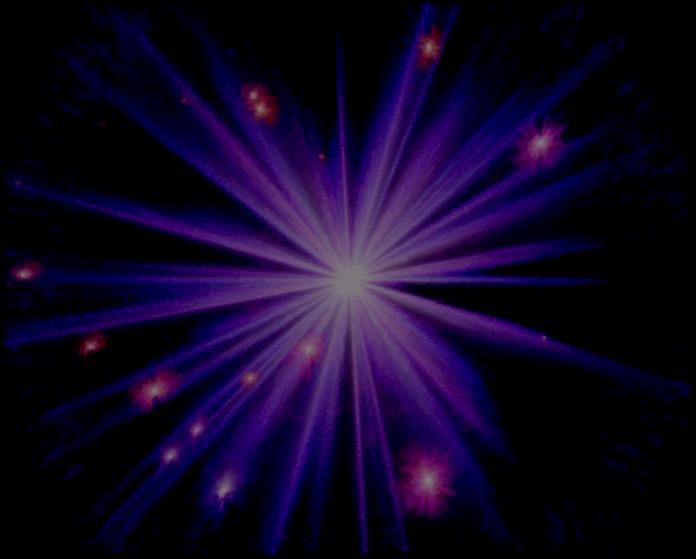
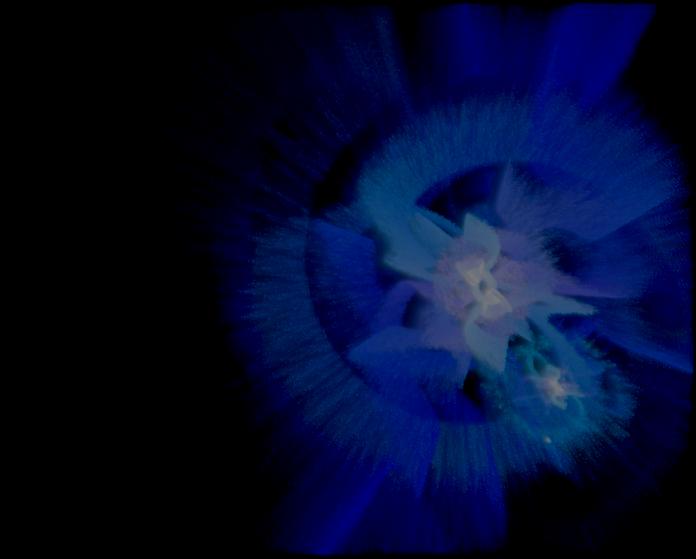
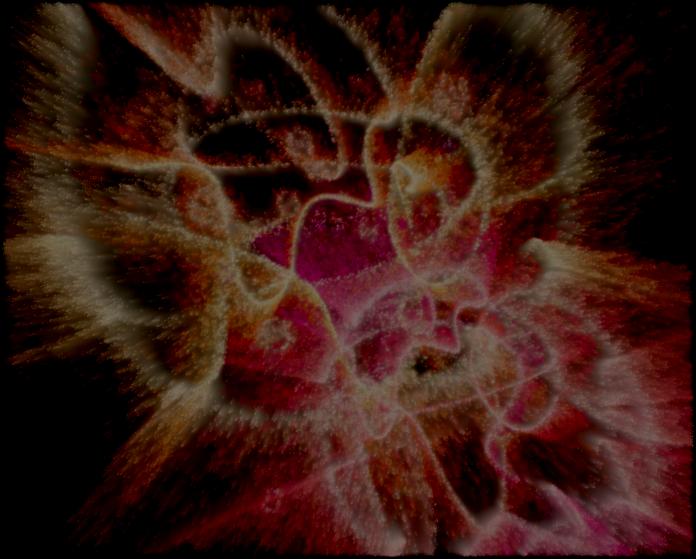
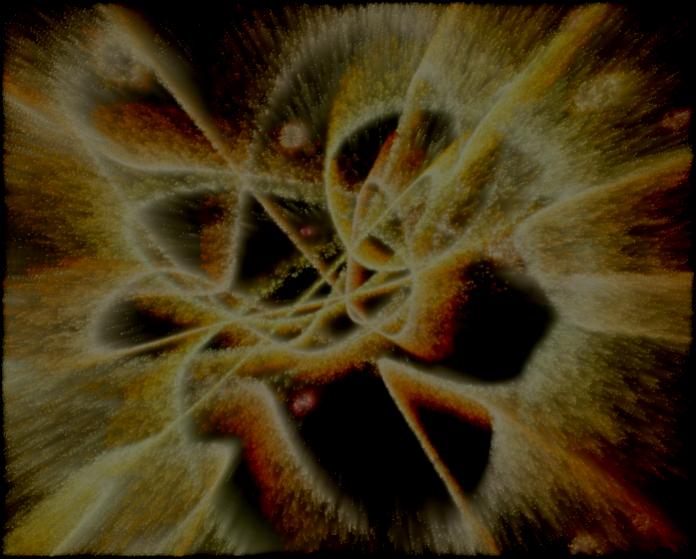
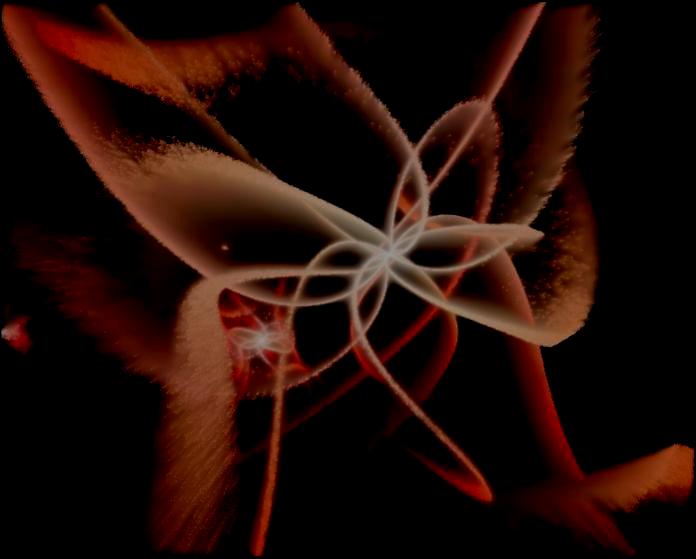
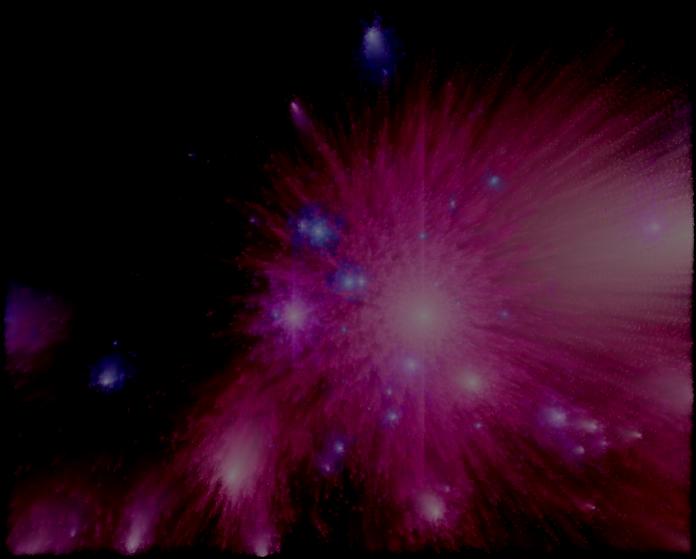
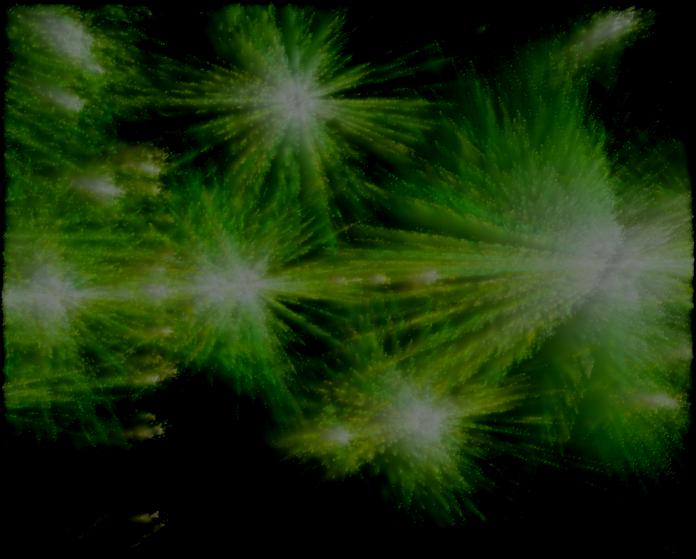
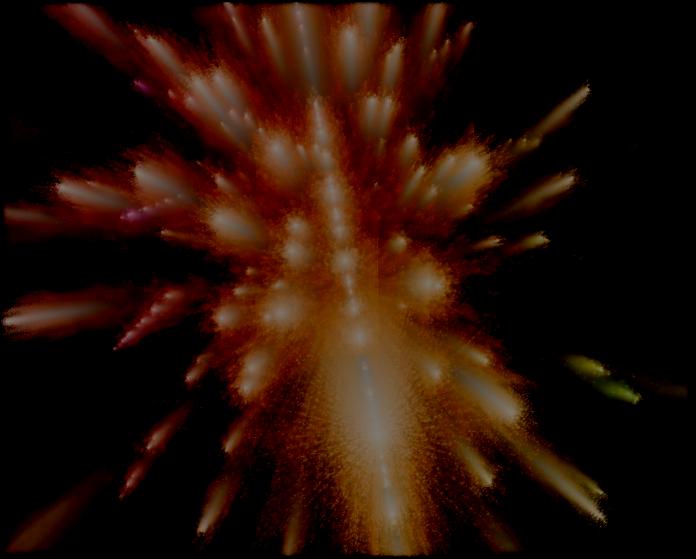
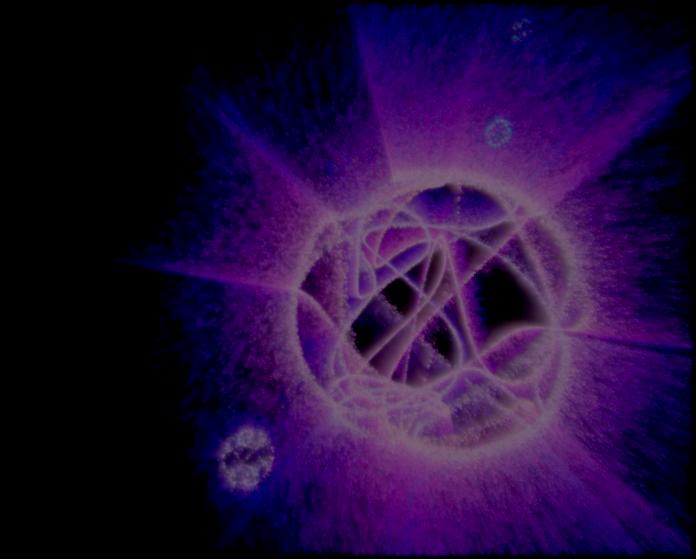
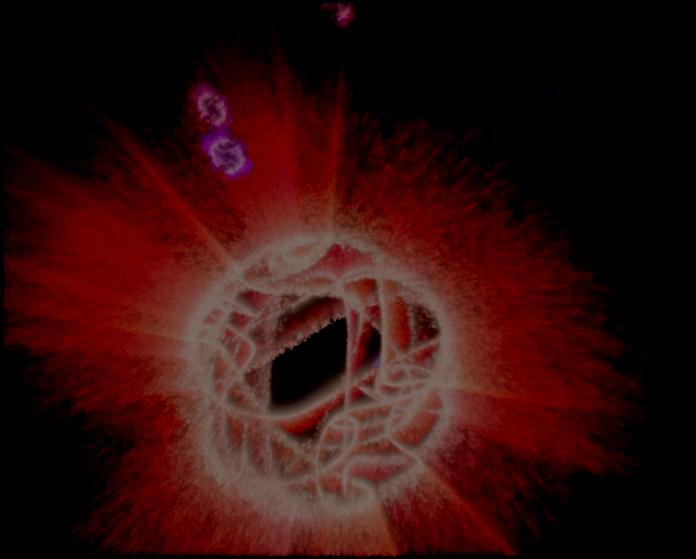
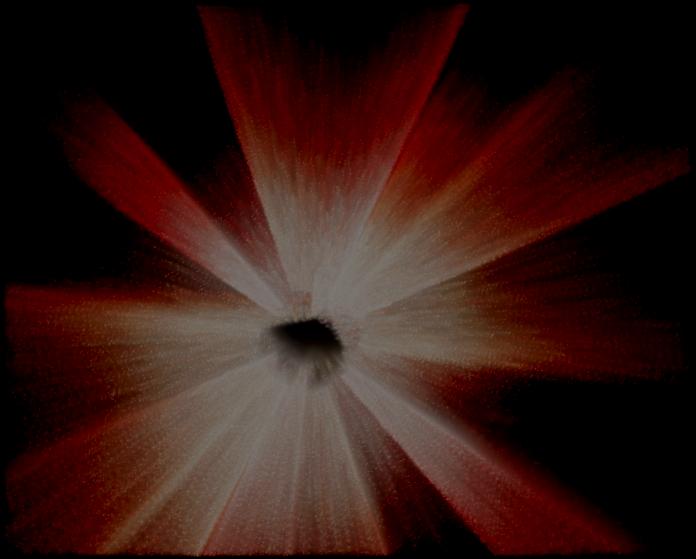
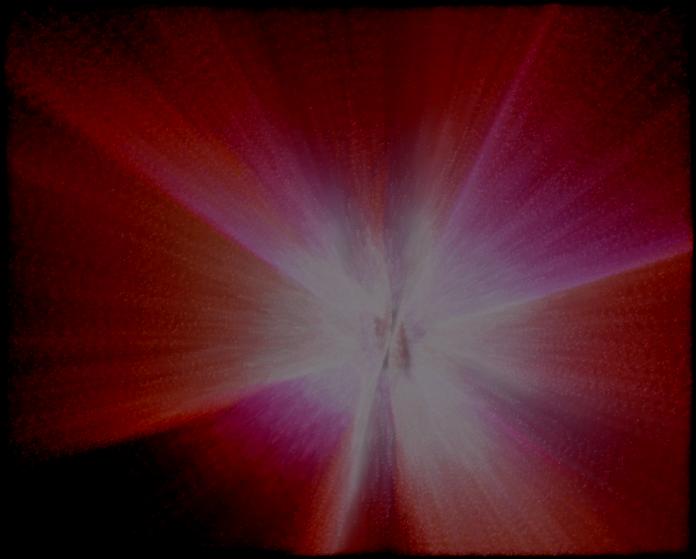
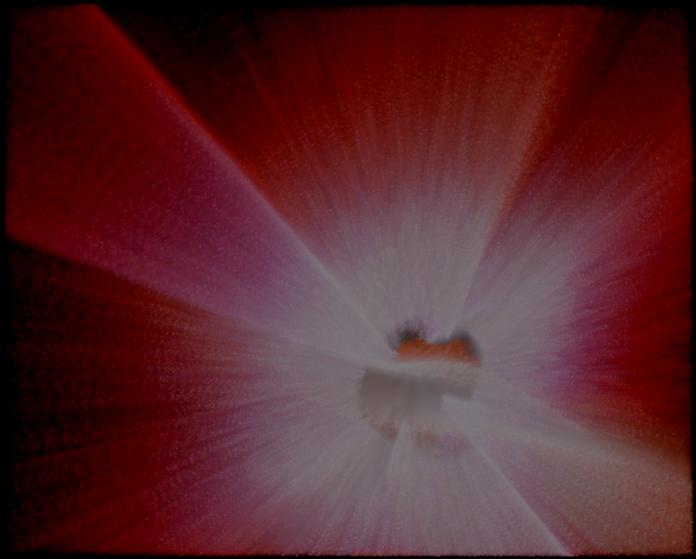
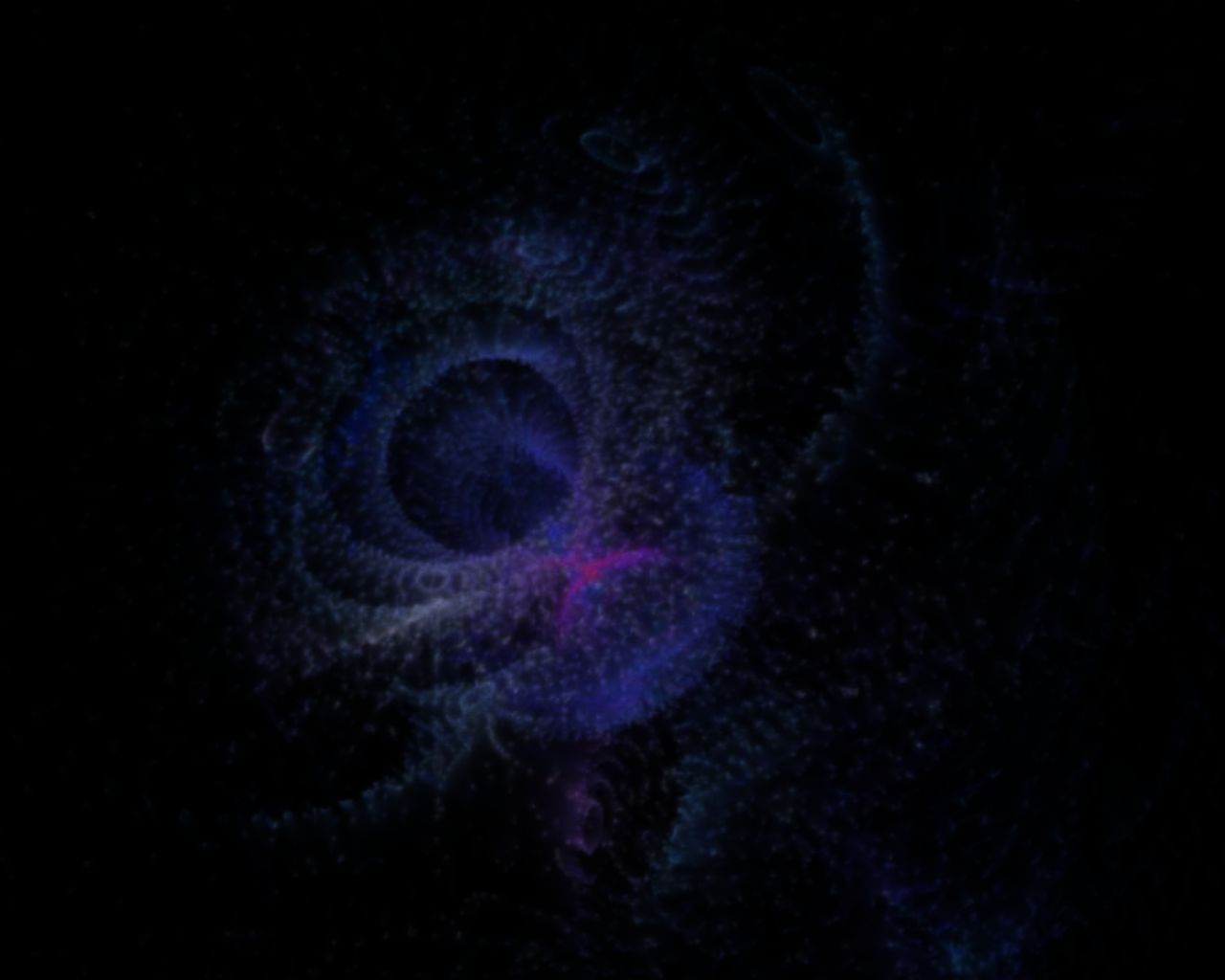
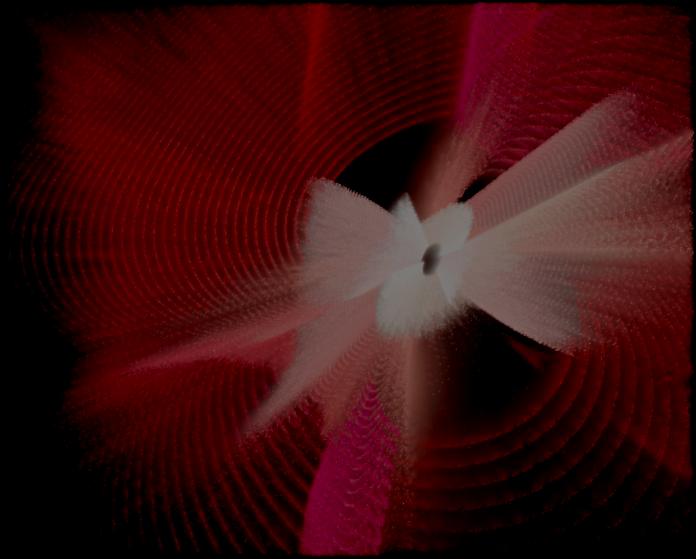
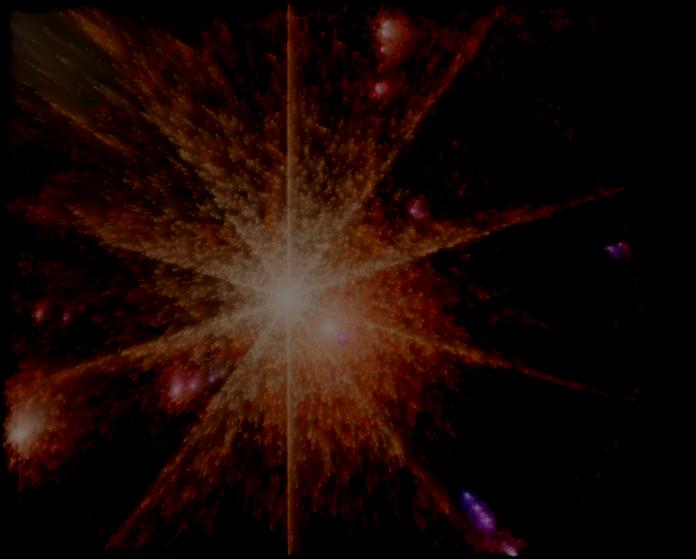
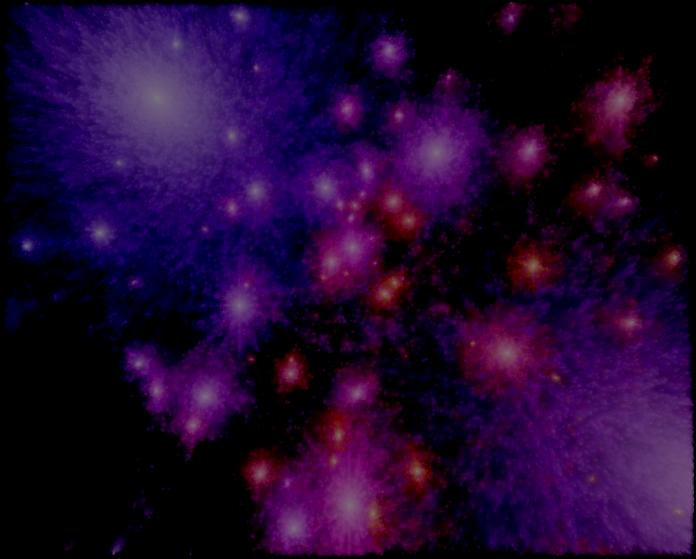
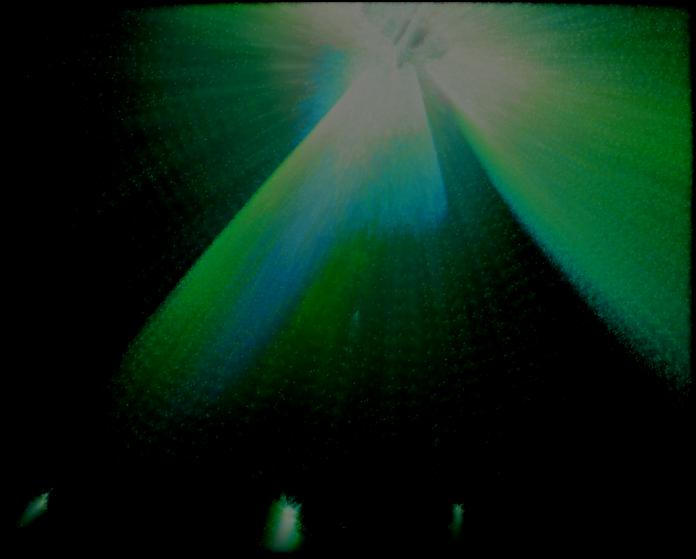
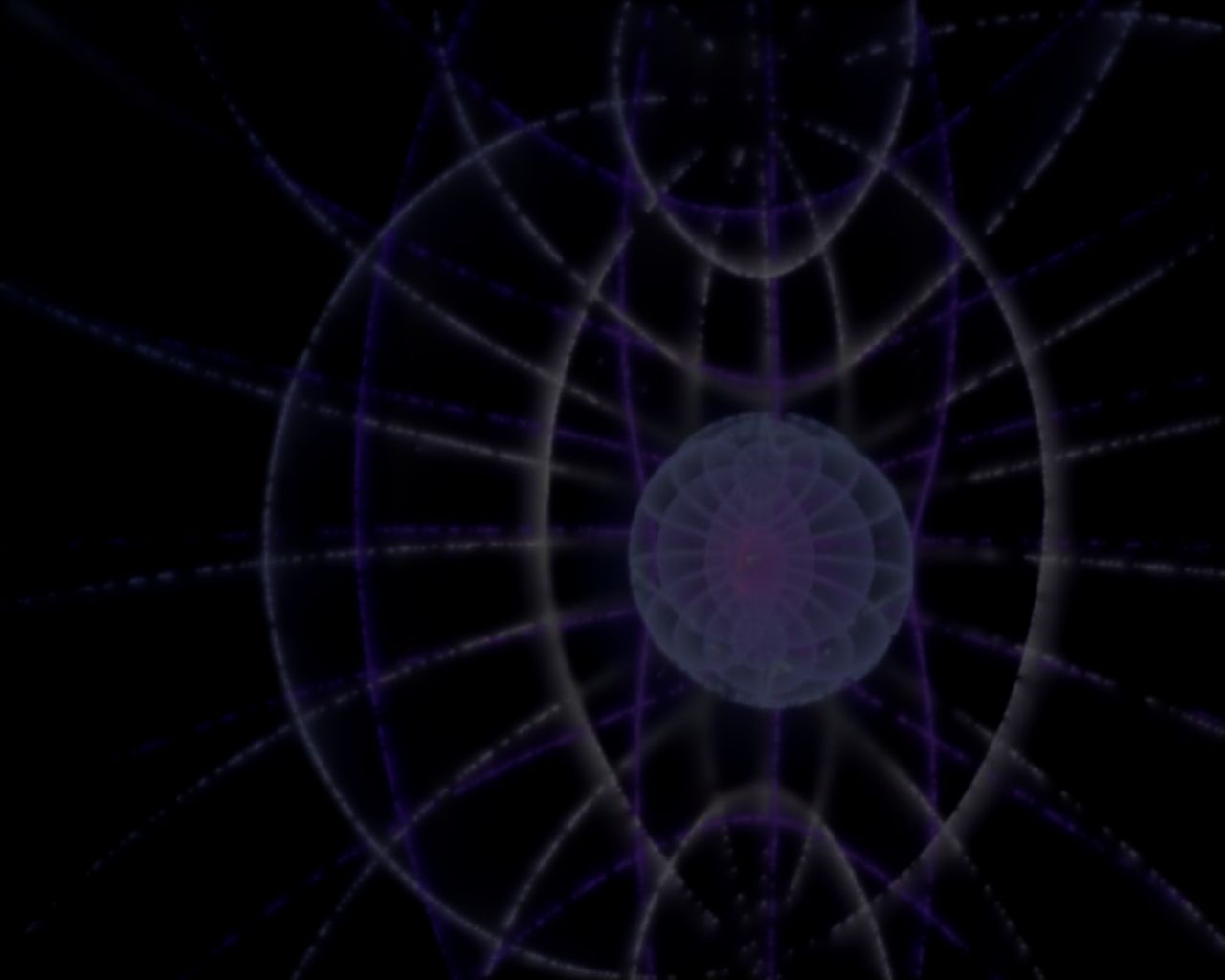
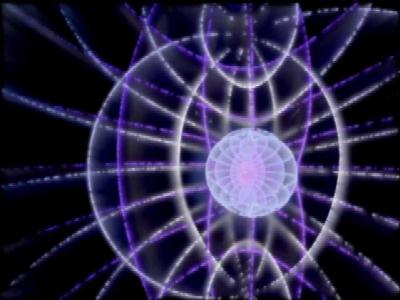
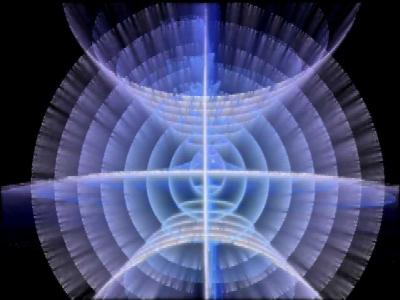
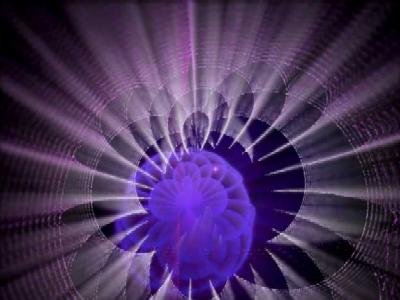
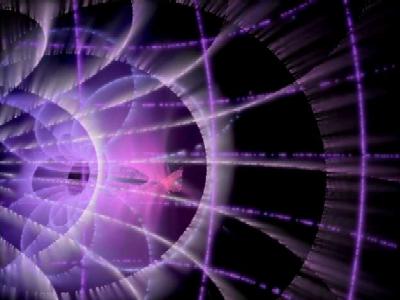
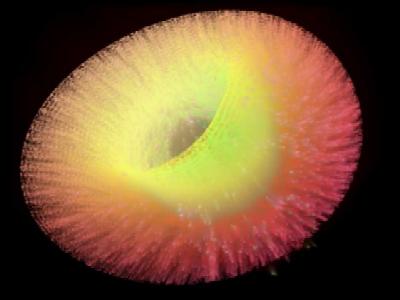
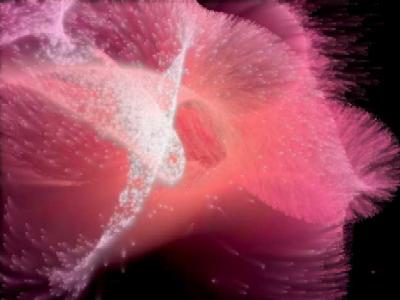
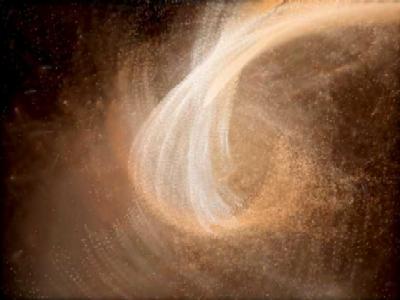
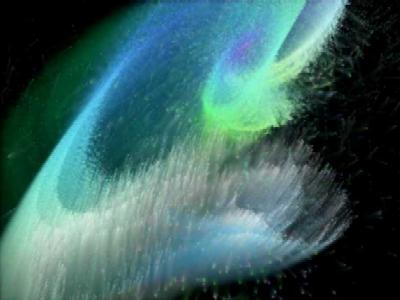
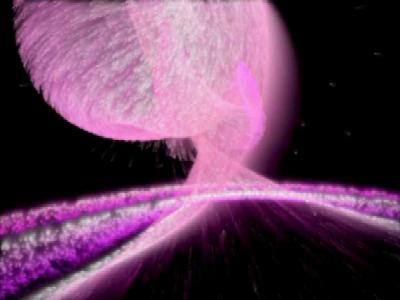
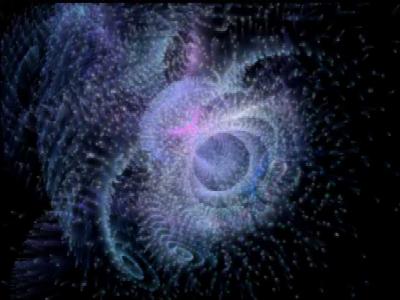
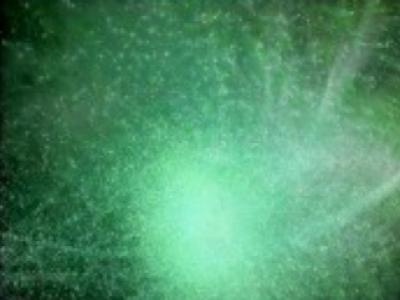
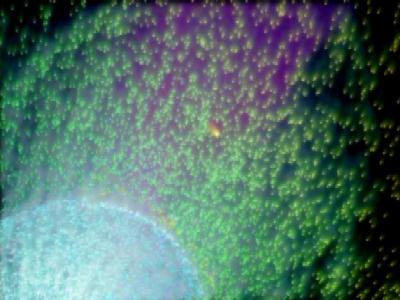
MBSS Gravity Wells displays the quintessential blending of color, motion and mathematics. Specify the number of emitters and attractors along with the gravity and color properties to create the ultimate in eye-soothing graphics. Stereogram settings are available along with a selection of themes to showcase the effects. Field-level Online Help is included as well as a nice variety of default settings. If you have questions regarding the product, please refer to the FAQ (Frequently Asked Questions). This product is being offered as Shareware. See the Registration window from the product's Properties Window for details.Features:
- Version 3.2:
- Works on Windows 7.
- Added Multimonitor support.
- Hibernation Mode now supported.
- Version 3.1:
- Works on Windows Vista, XP, 2000, ME, 98.
- Default initial startup to full-screen resolution.
- Advanced Setting: Cycle through All MBSS Products on Saver start.
- Version 2.1:
- Setup Color Filtering Special Effects.
- Create Video Files from Particle Animation.
- Blend Effects with Windows Desktop Wallpaper.
- Version 2.0:
- New Hue Cone allows for complex Hue and Intensity setup.
- Product enhanced to work internationally per Windows Regional Settings.
- Improved display methods eliminate frame dropping and startup/shutdown delays.
- Product is installed via a Windows Setup program:
- ZIP file extraction is no longer necessary.
- Setup program will install Product to appropriate Windows folder.
- Setup program allows Product to be selected as current Screen Saver.
- Version 1.7:
- Added ability to cycle through Templates in a selected Directory.
- Added Advanced Settings -- Hue Wheel Brightness Bias Bubble.
- Added ability to capture Image (preview or full screen) to Windows Clipboard.
- Direct link to PayPal from Registration dialog to simplify the payment process.
- Version 1.6g:
- Major performance improvements with respect to the math code.
- Added Hue Computation Type: Doppler Shifting.
- Customize the Hue Wheel color preferences.
- Added eight (8) new Themes.
- Version 1.6e:
- Increased maximum number of Particles from 30,000 to 99,999.
- Define On-Screen Countdown messages for presentations.
- Version 1.6c:
- Performance Improvements:
- Major improvement when running in True Color 32-bits per pixel.
- Minor improvement in High Color (16 bpp) and True Color (24 bpp).
- Effects are properly displayed at non-default (640*480) resolutions.
- Customize the Hue Wheel bias from Advanced Settings dialog.
- Performance Improvements:
- Version 1.6:
- Performance Improvements:
- Tuned the C API Blending Function.
- Converted motion and rendering code from VB to C.
- Use the DirectX Flip method instead of the BltFast.
- Performance improvements are best seen on slower hardware.
- Custom Resolutions can be setup to the Maximum Width / Height.
- Performance Improvements:
- Version 1.5: Default behavior on installation is to cycle through Themes
- Version 1.4: Use Hardware properties when in High Color Mode
- Version 1.3: Select Themes when Cycling through Effects
- Version 1.2: Property Cycling plus new Themes
- Version 1.1:
- Passwork Protection Supported
- New Geometric Emitter Patterns
- Eliminated Screen Lock-Up Issues
- Version 1.0:
- Define number of Emitters and Attractors.
- Define Atmospheric Damping
- Define Blending Effects (smoke)
- Define vertical Gravity
- Define Burst velocity and multipliers
- Define Hue Wheel transition effects
- Setup cycling for common properties
- Field-level online help for all properties
- Save Templates to share with other users
User Feedback:
- Supernova meets Northern Lights -- excellent!
- Someone on the 3ds Max forum recommended your Gravity Wells software. I have to say, it is amazing! What an incredible sight.
- The sweep of colors is breathtaking. The moving gravity attractors create a dynamic image that keeps me glued to my chair.
- The patterns are beautiful, relaxing, and imagination-grabbing.
- This is the most effective example of blending and motion blur that I have ever seen for the PC. Well done!
The Setup file for MBSS Gravity Wells includes these parts:
- MBSS Gravity Wells Screen Saver file
- MBSS Gravity Wells Read Me Text file
- MBSS MBSSM6.DLL (math engine)
- MBSS Online Help file
 Download: MBSS Gravity Wells
(mbss_gravitywells_setup.exe ~ 650 KB)
Download: MBSS Gravity Wells
(mbss_gravitywells_setup.exe ~ 650 KB)

Back to MBSS - Home Page
© 2025 Patrick D. Grengs II (The Creator of MBSS Light TM) All rights reserved.